
Photo to video
AI photo-to-video templates
Pick a viral template, add an optional photo, and generate. Every template keeps the sample motion and timing while you can change who or what appears.
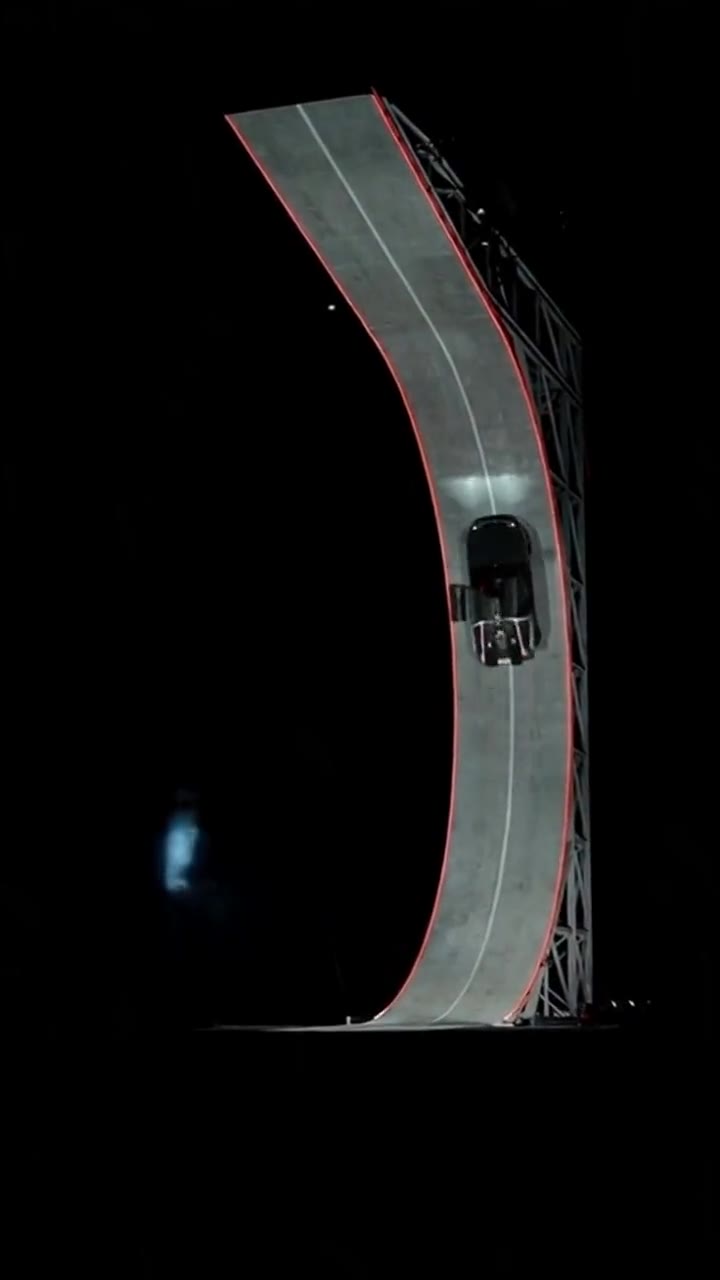 Just addedFlying Tesla Roadster
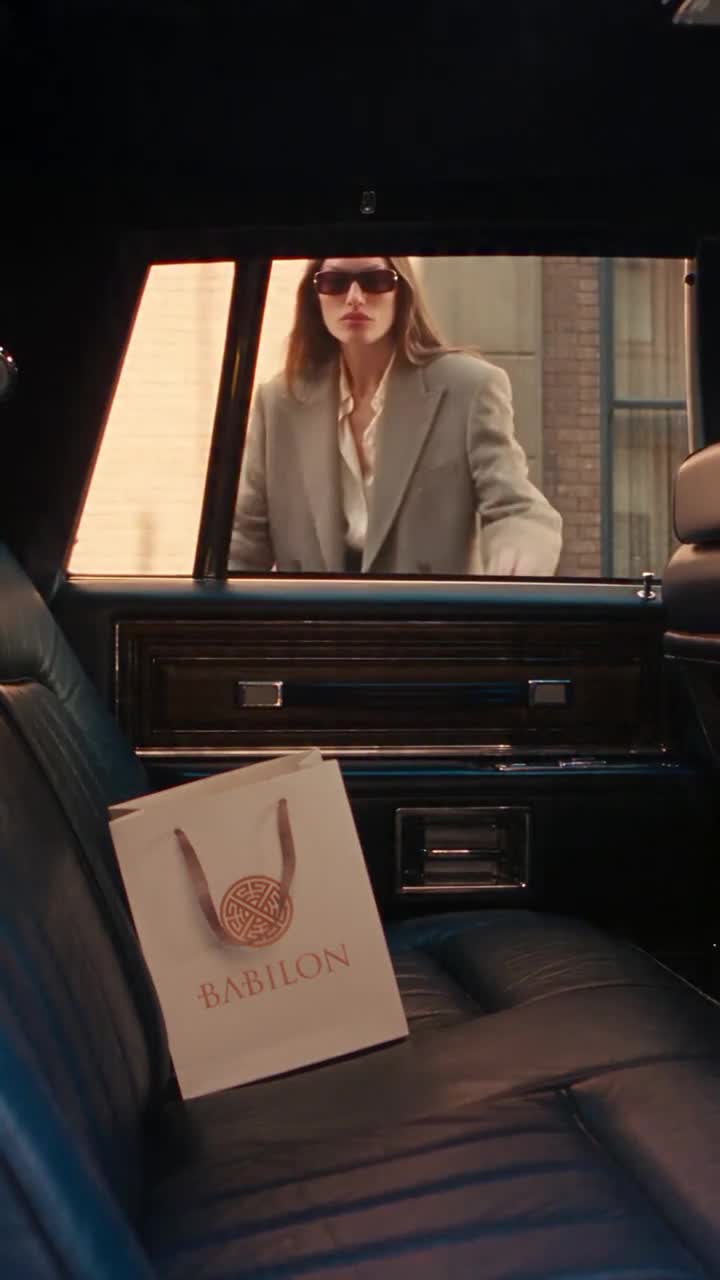
 Just addedHotel Lobby
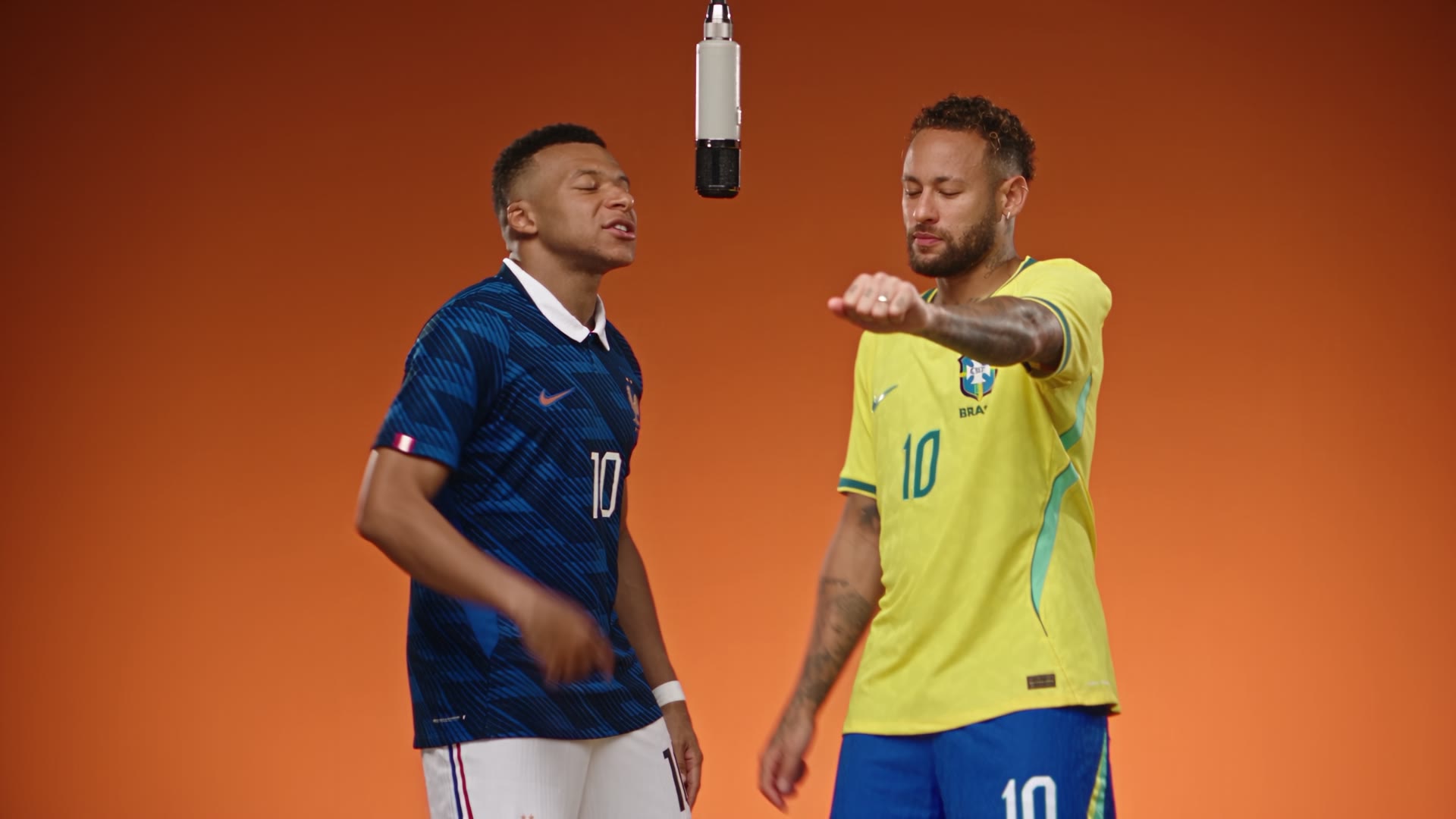
 PopularSmash and Grab
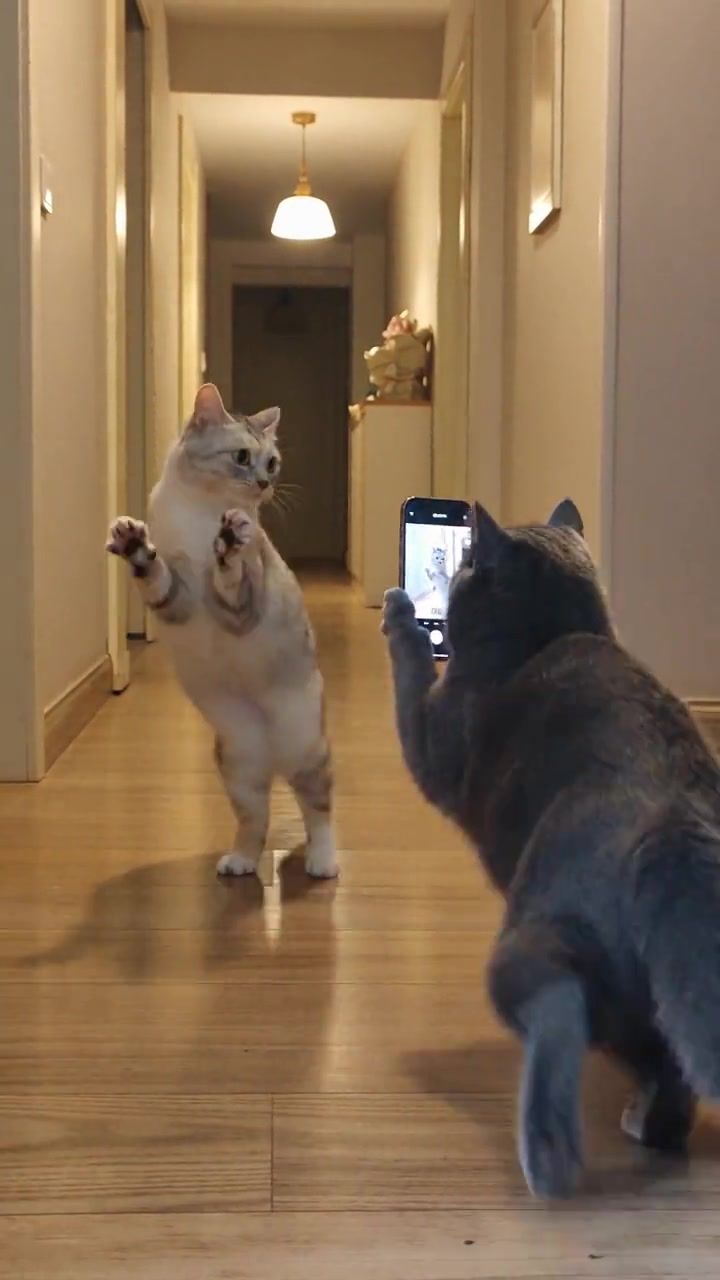 Just addedCat Photographer
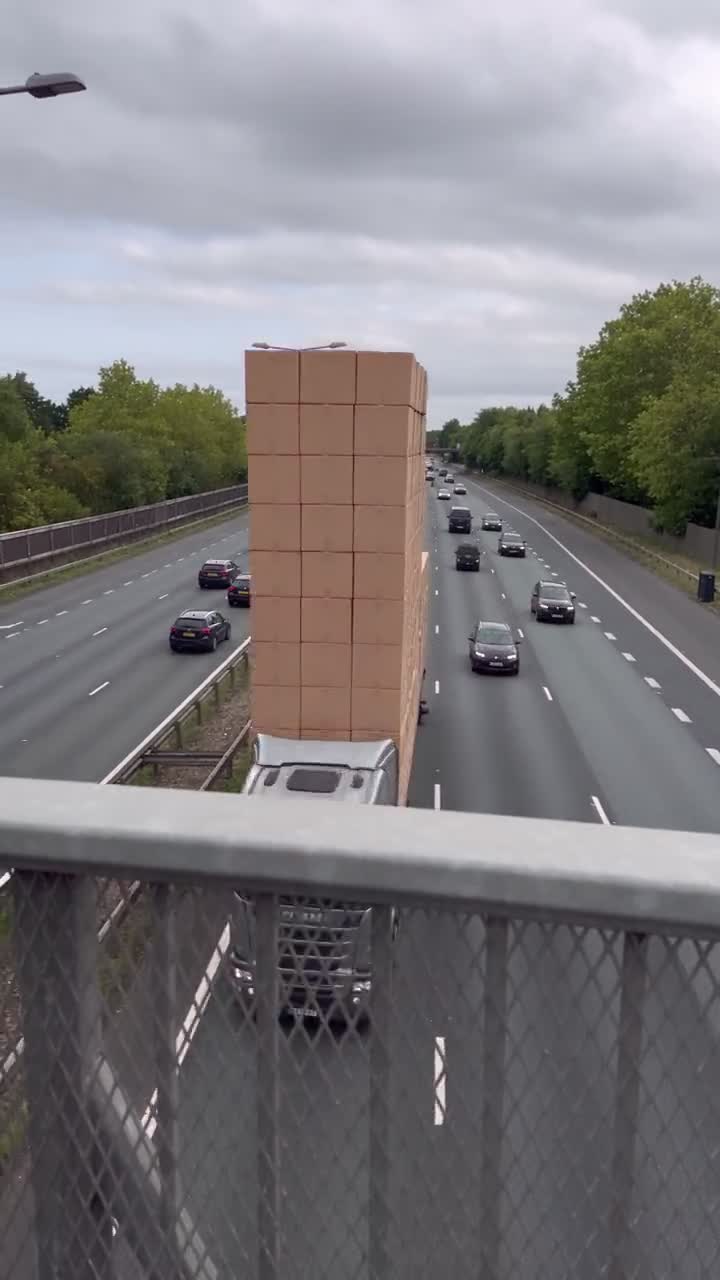 PopularTruck Almost Got Me
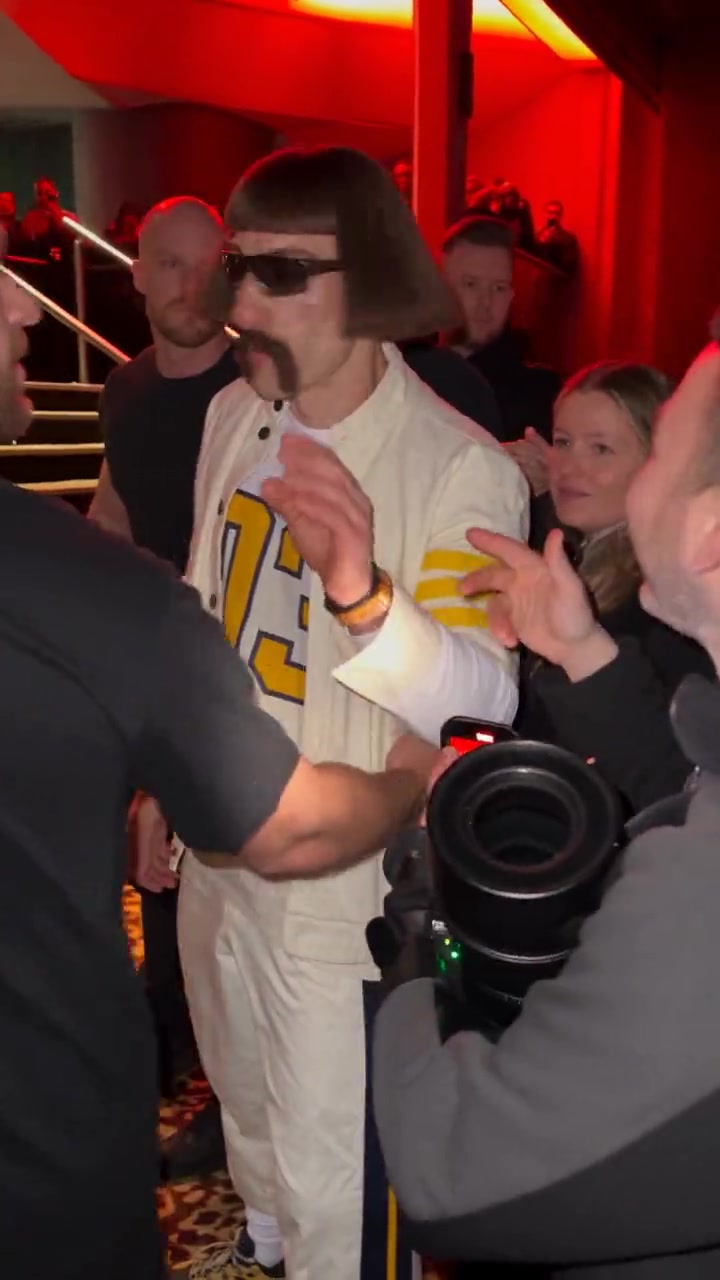 PopularBulin 47 Freestyle
 PopularNight WardrobeWarm indoor styling pass
 Just addedProduct PassKeep the object readable
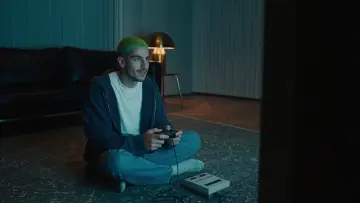 PopularScene ShiftLight and set dressing move
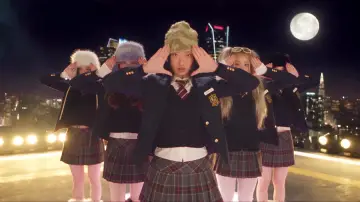 Just addedDouble LookTwo looks, one timing
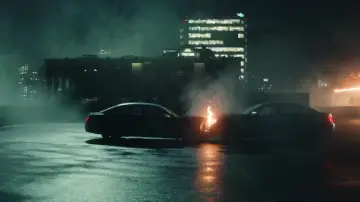 Backdrop SwapBackdrop and grade only
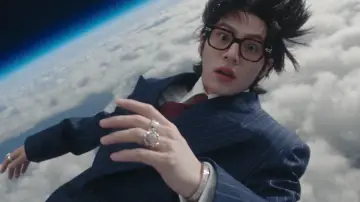 PopularNew WorldSame energy, new place
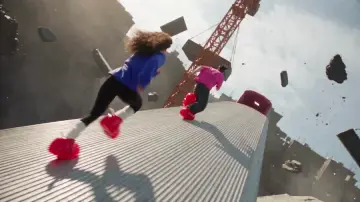 PopularCarriage RunTransit interior, featured item
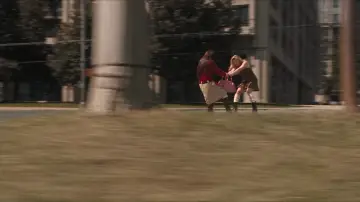 Just addedFabric PassClose fabric and color
 Just addedBlue HourThe same place, later light
FAQ
What is a photo-to-video template?
A sample clip locks camera, motion, and timing. You can optionally upload a photo so generation replaces who or what appears in the frame.
Do I have to upload a photo?
No. You can generate from the template alone. Upload a photo when you want the main subject to be the person in your image.
Will the timing drift?
We aim to keep the sample’s camera moves and timing structure, not rewrite the rhythm.