Viral template
Fabric Pass
Close fabric and color
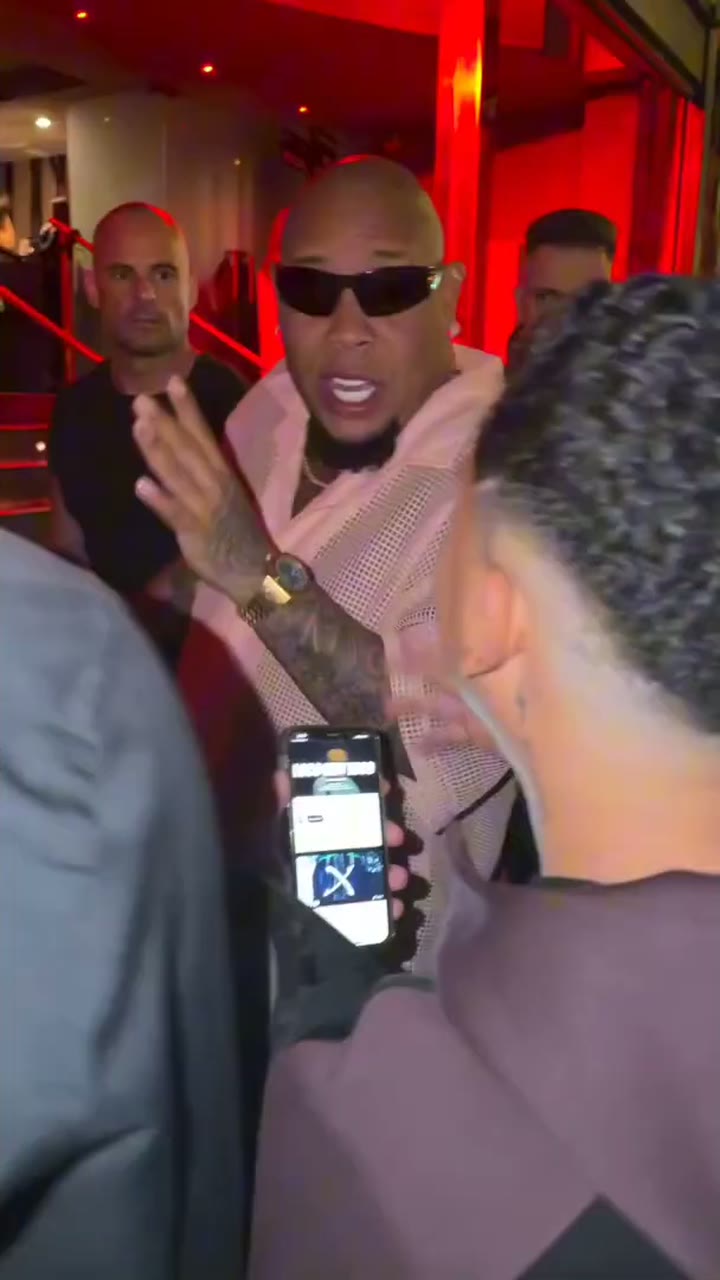
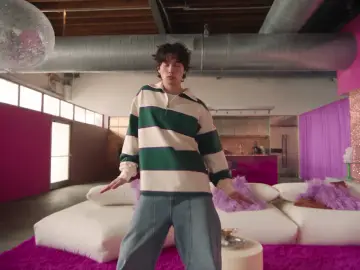
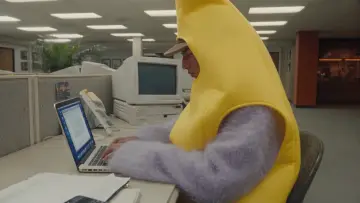
This viral template turns a photo into a Fabric Pass video and keeps the sample motion and timing.
About 10 seconds
How it works
Pick the template, then generate
01
Pick this template
Open the studio with this template already selected. The sample clip is the motion reference.
02
Add a photo (optional)
Upload a photo if you want a person, product, or look in the clip. You can also generate from the template alone.
03
Generate
Press Generate. The studio keeps this template’s motion and timing.
Examples
Motion reference
The sample above is the motion reference for Fabric Pass. Photo-to-video keeps this motion and timing while a photo can change who or what appears.
More templates
Other published templates use the same photo-to-video studio.