What is Toy Car to Real Car AI?
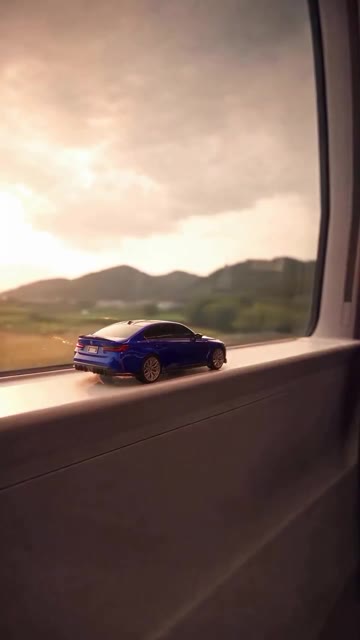
A Genjutsu AI photo-to-video template of a train-window toy-to-real car transition. The sample locks the motion and the timing. One car photo can change the vehicle in every shot.
Do I have to upload a photo?
No. The train-window clip generates from the template alone. Upload one photo of a car you own, or of a friend’s car when that friend already agreed, when you want the look to change.
Will the tunnel timing stay?
The aim is to keep the sample’s ledge, tunnel entry, tail-light cue, and the moment the full-size car lands on the road. A photo changes the car. It does not rebuild the train or the cut timing.
How many credits does a Toy Car to Real Car AI video cost?
Look at the Generate button. The shipped sample is about 15 seconds. The price follows that length and the quality you pick. A failed job returns the credits.
Can I mute the soundtrack?
Yes. This template uses system audio overlay because the viral reel music is not owned by Genjutsu AI. Mute when you want a silent file and you will add a track you have rights to. The train-window motion and timing stay either way.
What photo works best?
One car, whole body in view, side or rear three-quarter, in plain daylight: your car, or a friend’s car with permission. Skip group shots of a parking lot, heavy night glare, and anything that hides the wheels or the tail lights.
Is this the original Instagram reel?
No. The player is the motion reference for this Genjutsu AI template, an independent remake of the train-window beat that spread from @umutcancelikis’s October 2026 reel. Genjutsu AI is not affiliated with that creator. A generated file is an AI video. Do not post it as the original edit.
Can I swap in my own reference video?
Yes. Remove the sample in the panel and upload a reference clip you have rights to. The credit price follows that file. Keep orientation and length in mind when you choose it.